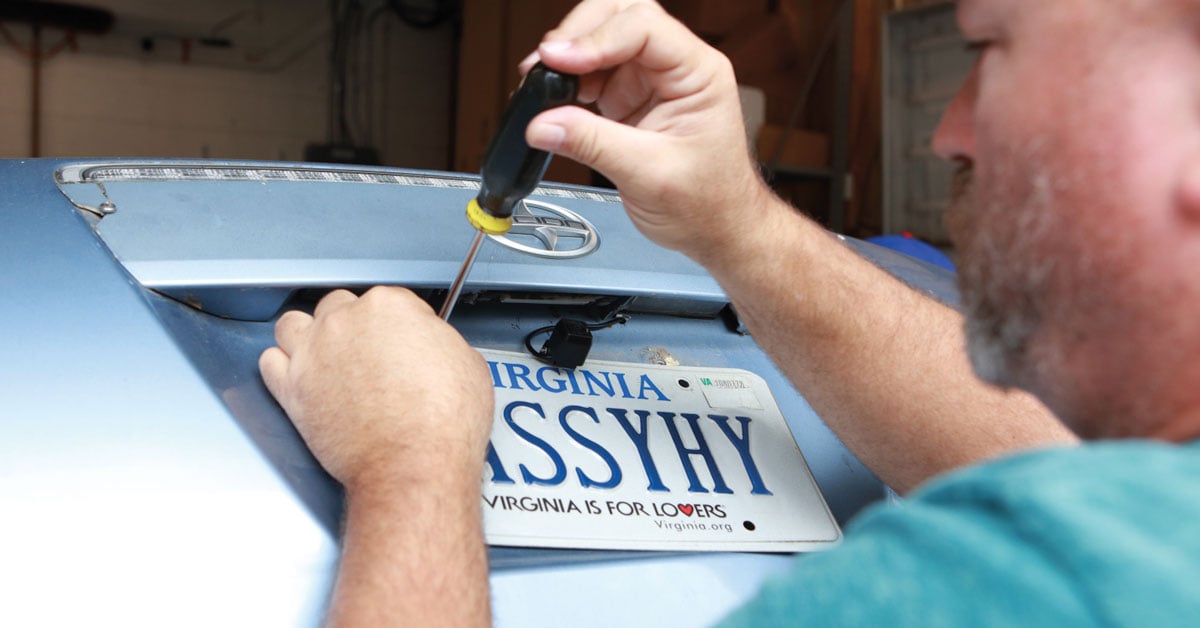
How to install a backup camera
Our expert tips for hooking up a rear-view camera

In this series of videos, one of our Crutchfield tech support experts will show you how to install a backup camera in the most common types of vehicles.
Backup camera installation is straightforward, and you can do it yourself if you're even just a little handy. All vehicles are a little different, but the process for installing a backup camera is pretty similar no matter what you drive. You need to:
- run the video cable from the camera to the video screen up front
- supply the camera with power
- make a good ground connection
Once you see that you can do this, read our backup cameras buying guide and check out our selection of backup cameras to find the best one for your vehicle.
How to hook up your backup camera
Let's start with an overview of the installation process. Cris shows you how the "convenience wire" that runs parallel to the RCA signal cable can be used to power your camera from the radio's harness. Since you're connecting your signal cable to the rear of the radio anyway, this is often a, dare we say, "convenient" way to grab power.
How to wire a backup camera in a truck
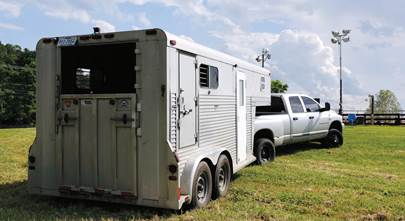
Hooking up a backup camera in a truck can be a challenge due to the length of the wire run on the outside of the body. Cris shows you how to run your backup camera wires safely.
How to run the wires in an SUV, crossover, or hatchback
The hinged rear hatch provides a small challenge here, but Cris knows how to navigate that and shows you the best way from back to front. He uses a full-size SUV for this demonstration, but the same principles apply for any vehicle with a rear hatch.
How to wire a backup camera in a sedan
With a trunk instead of a truck bed or a rear hatch, installing a backup camera in a sedan is perhaps the most intuitive, but Cris has some good tips to make it go smoothly.
We're here to help
Ready to get started? Don't forget to take a look at our backup cameras buying guide or head straight over to our full selection of backup cameras.
Everything you buy from Crutchfield comes with free lifetime tech support from people like Cris. They're highly trained and love to help our customers achieve DIY success.




Enrique from Pompano Beach,Fl
Posted on 4/23/2026
Everything good but at the end you didn't show where you connect the camera to the radio. That is very important. Do I have to connect the two red cables together and those two to the radio?I just bought a kenwood and I don't have any instructions about the connections.
Calvin from Cary, NC
Posted on 7/4/2024
Fantastic video. thank you very much!!!
Tim from Houston
Posted on 12/22/2023
Do the back up Camera come with installation sheets and how tos? I just bought the Alpine back up camera and would like the recommended way to install for my car Toyota Sequoia 2002. Particularly interested in wiring and wiring path from camera to head unit.
Alexander Sharpe
Posted on 12/12/2023
Had my boss audio be920wvpa back up camera and unit installed the back up camera turns on and works but the image is reversed horizontally. Is there a way for me to fix this?
Michael
Posted on 11/17/2023
Had work done on car. Battery was disconnected. Camera has not worked since. Advise?
Anthony
Posted on 8/30/2023
Hey are not that easy to install even with a step by step video
Alejandro from Sacramento
Posted on 8/12/2023
No video for installing a wireless backup camera?
Steven from Fort wayne, in
Posted on 8/8/2023
I hooked red & black wire up to reverse backup light. Rca up front nothing. Can't get camera to work. Pioneer avh241ex. Then hooked red wire from rca to purple reverse wire nothing
Jon from Oklahoma City
Posted on 5/24/2023
Thank you for these videos! Very helpful
Ron from Mechanicsville
Posted on 3/21/2023
Thanks, I'm glad I watched the video, before calling you.